
E-clip
$2.75
Display It E-Clip at a glance
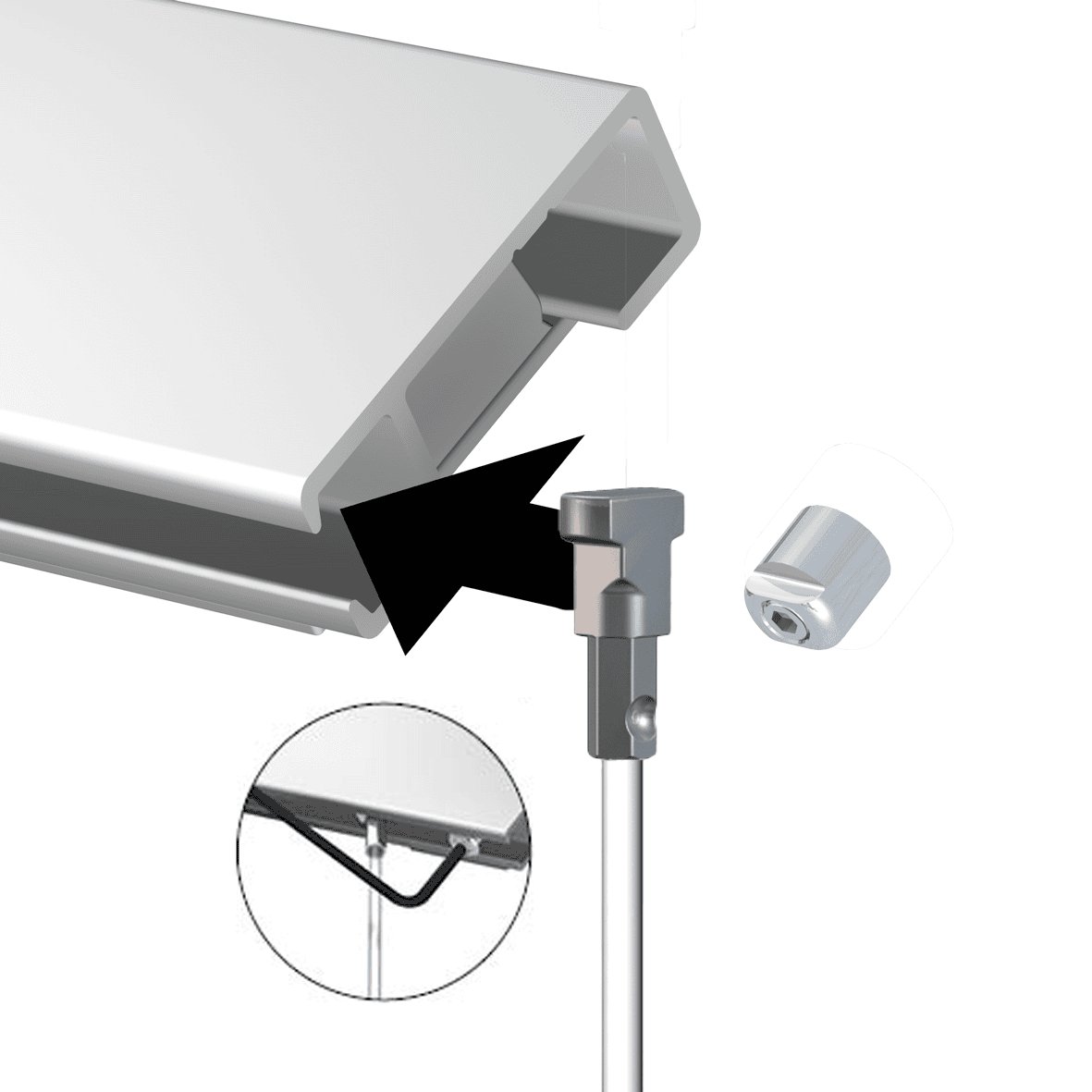
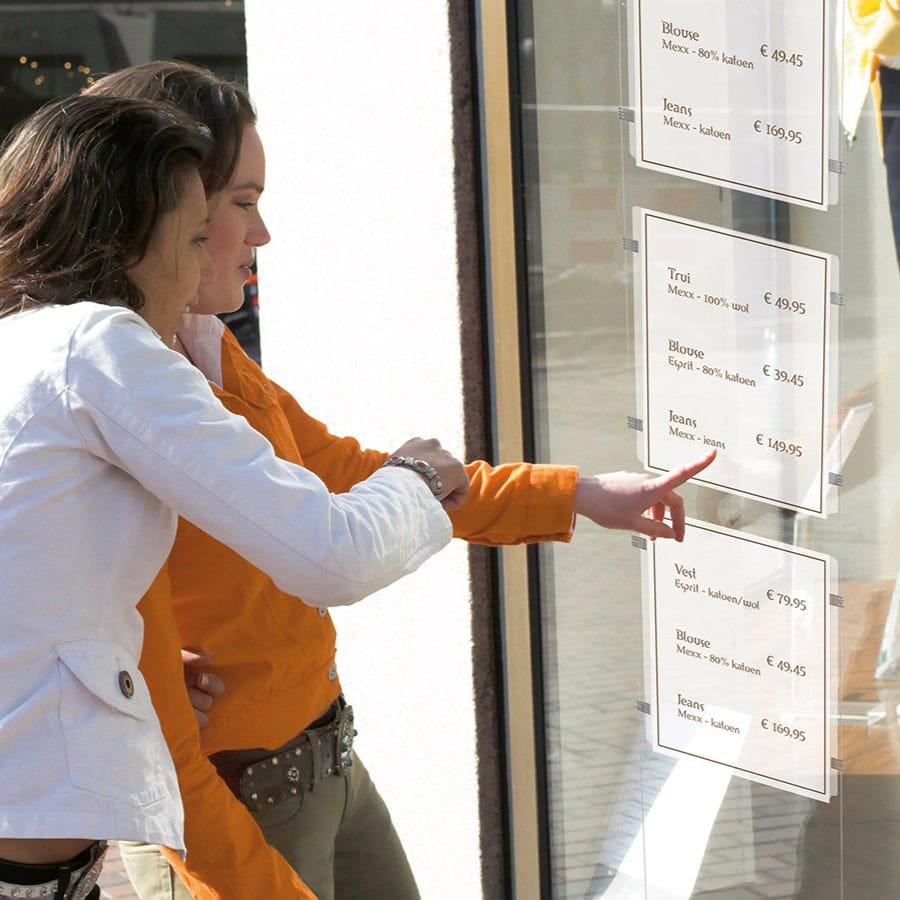
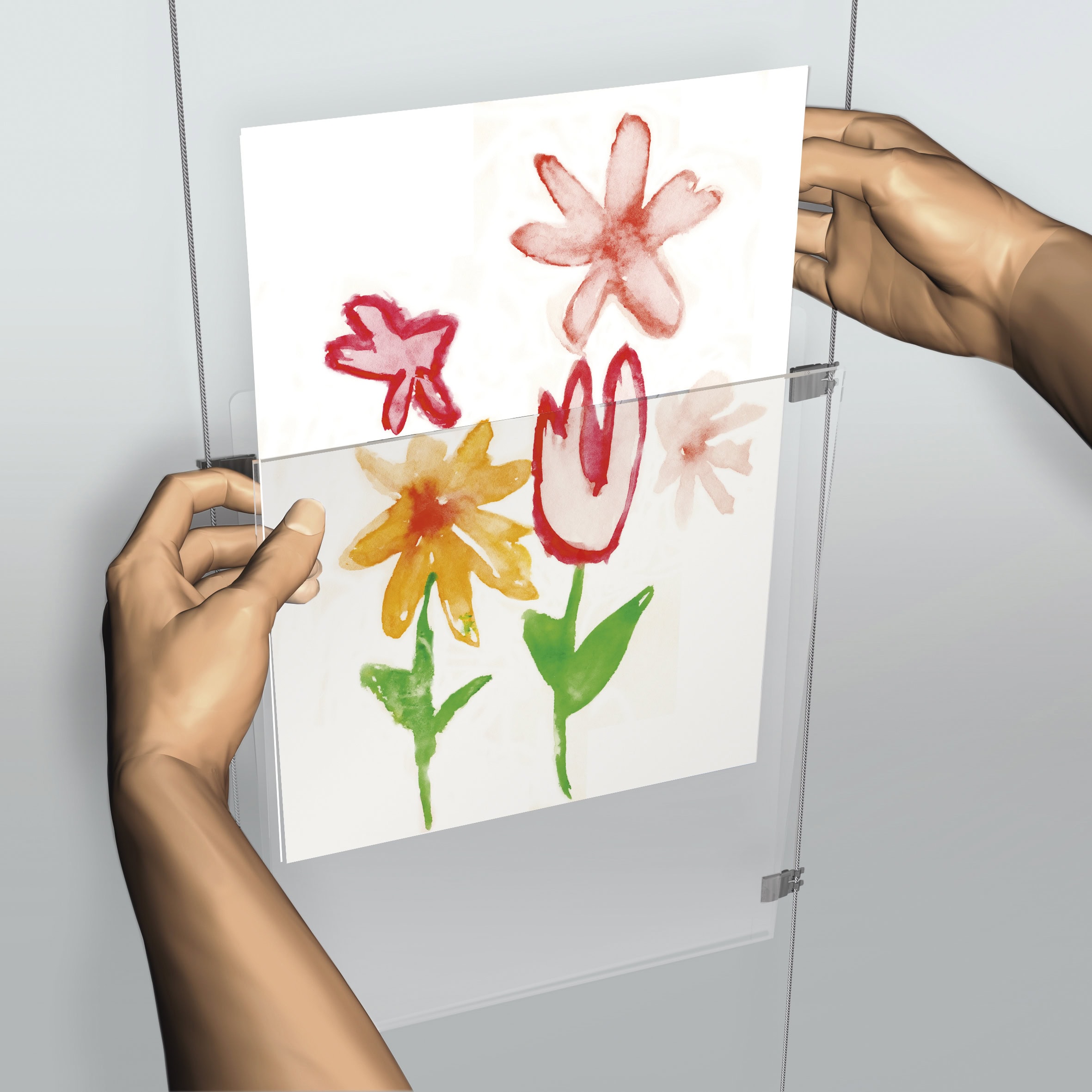
ArtiTeq Display It E-Clip (7805.005) is the little connector that makes Display It feel effortless: it lets you swap paper in seconds and link acrylic pockets together into neat horizontal or vertical grids. Available to buy from Hang Logic (Australia’s ArtiTeq importer).
Key points
- Fast content swaps: change photos, notices or documents in seconds (no tools, no drama).
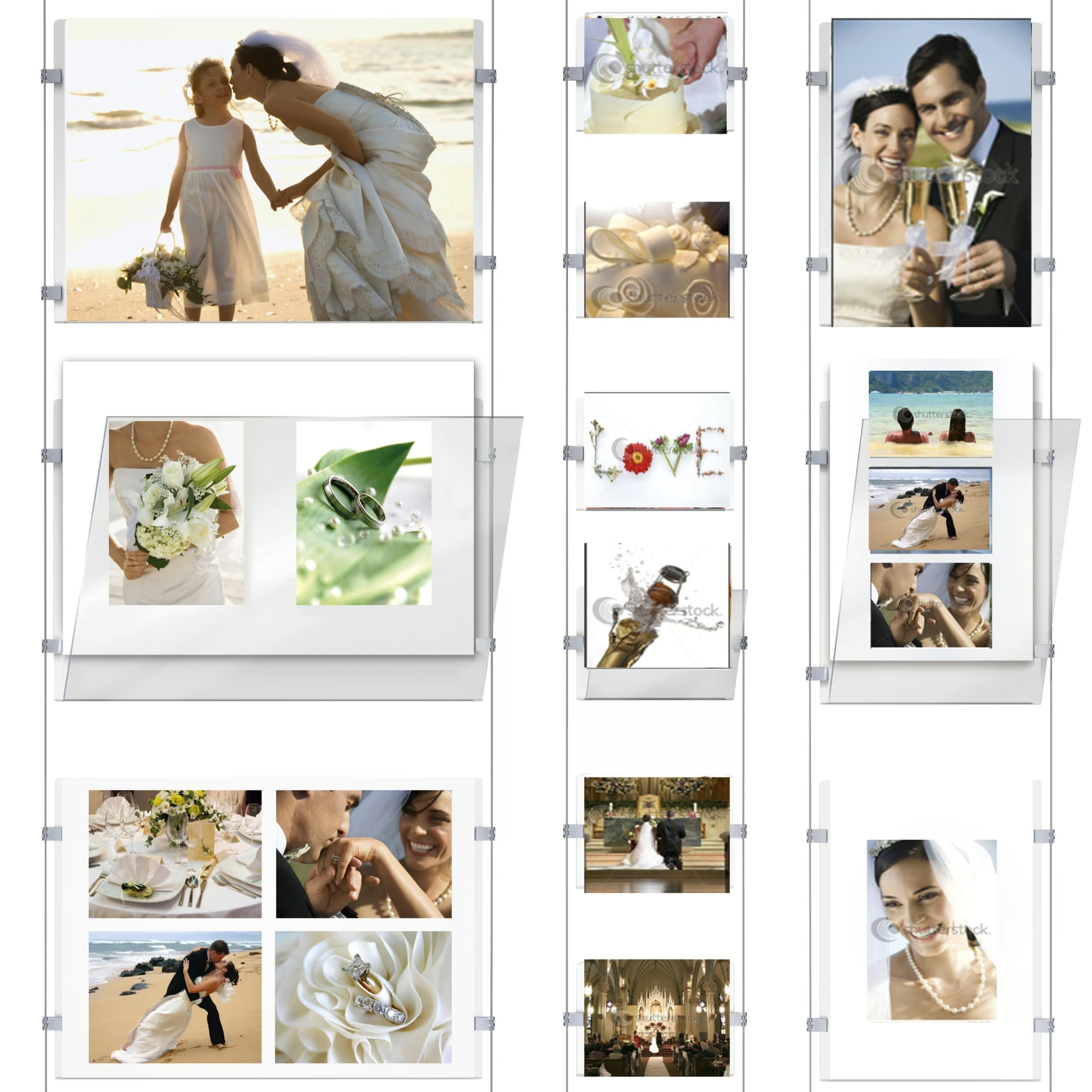
- Makes grids possible: connect acrylic pockets to each other so your layout can run horizontally or vertically.
- Designed for Display It: made to work with the Display It Flex and Display It Fixed systems.
- If you’re choosing between options: E-Clips are the lighter and cheaper option (still perfectly good), while clamps are the more upmarket, sturdier choice.
E-Clip “double” explained
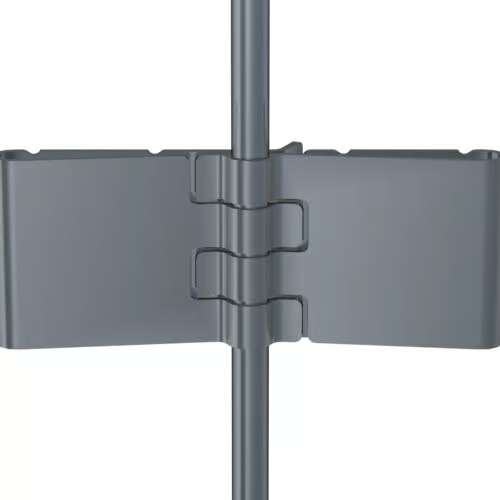
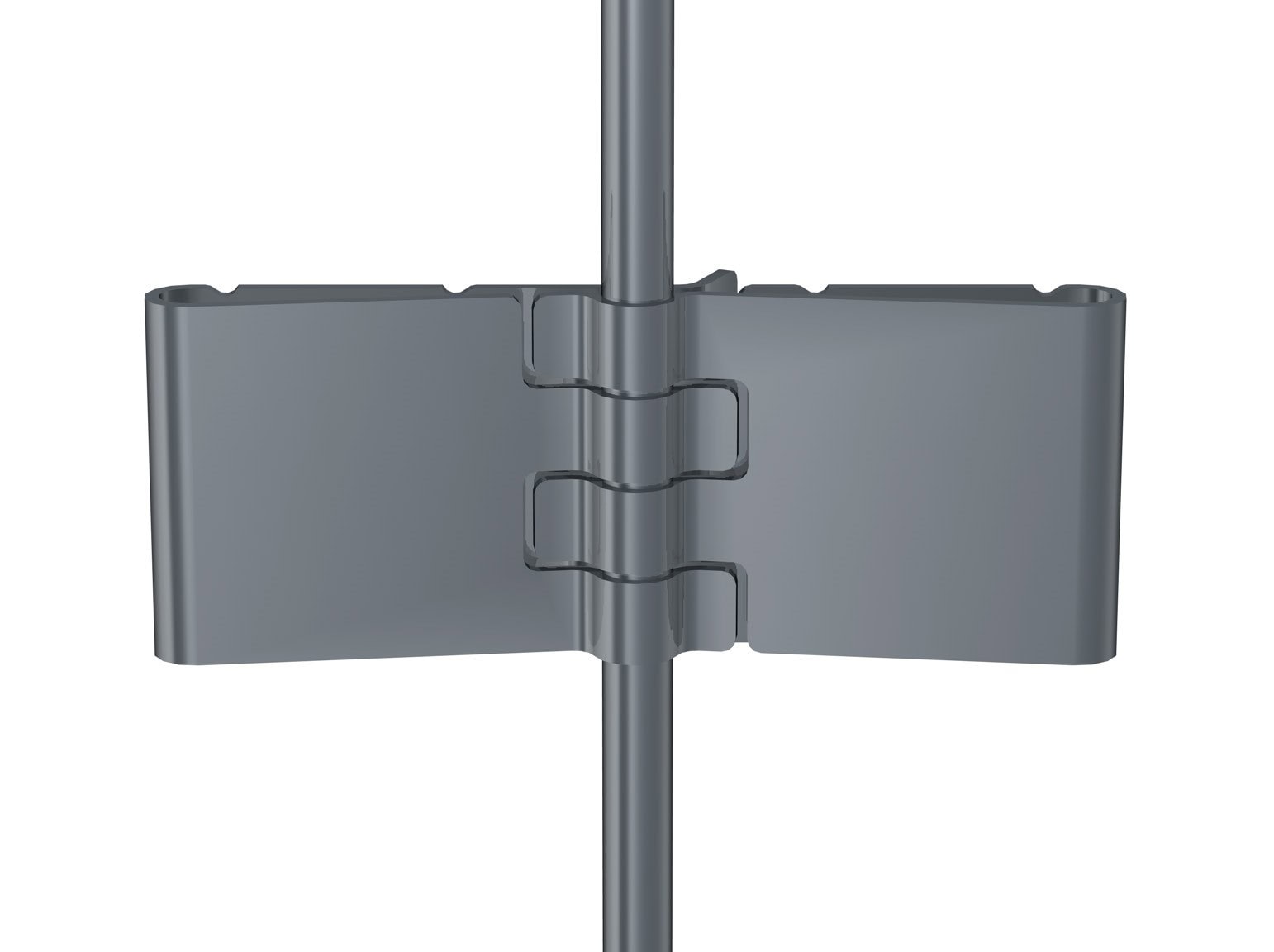
There isn’t a separate “E-Clip Double” part. A “double” connection happens when two single E-Clips interlock (clip together) to join pockets into a grid.
How to use + connect pockets + layout tips
How the E-Clip is used (simple steps)
- Plan your layout first (how many pockets wide, how many down).
- Hang your Display It pockets as normal (Flex uses a rail + hanging wires, Fixed uses a fixed wire setup).
- Use the E-Clip to connect pockets where you want a clean, stable grid line.
- Fine-tune height and spacing until everything looks level and intentional.
How to swap content (what makes Display It addictive)
- Open the acrylic pocket like an envelope.
- Slide the paper/photo out, slide the new one in.
- Close it back up. Done.
Connecting pockets (single vs “double” connection)
- Single connection: one E-Clip used where you want a pocket connected/positioned.
- “Double” connection: use two single E-Clips that interlock (clip together) to join pockets neatly in a row or column.
Layout tips that stop it looking like a last-minute noticeboard
- Pick a grid: A4 for dense info, A3 for “hero” notices.
- Keep orientation consistent: portrait looks calm, landscape looks editorial. Mixing is fine, just do it on purpose.
- Start with the top row: get your header line straight first, then build down.
Download technical sheets + warranty (PDF)
Hang Logic Google Reviews
Preferred worldwide by builders, architects, and professionals.


some of Our CLIENTs

VIC - The Lume Melbourne

NSW - German International School

QLD - Brisbane Convention and Exhibition Centre

ACT- Adina Hotel Canberra

WA - WA Maritime Museum
SA - Adelaide Festival Centre
Show More Clients

Hassel Architects

COX Architects

ICON Constructions

Hilton Hotel

Shape Australia

Hansen Yuncken
Albany Entertainment Centre

Adelaide Oval

The University of Adelaide

Green Industries SA

Beach Energy

Naval Group

Finnlaysons Lawyers

Starcom

Bluethumb

St. Andrew Hospital

SA Police Academy

ANZ Bank

State Library Queensland
Related products

Clamp
Price range: $6.27 through $9.90Clamps artwork securely to wires
Select options
This product has multiple variants. The options may be chosen on the product page