
E-clip
$2.75
Display It E-Clip at a glance
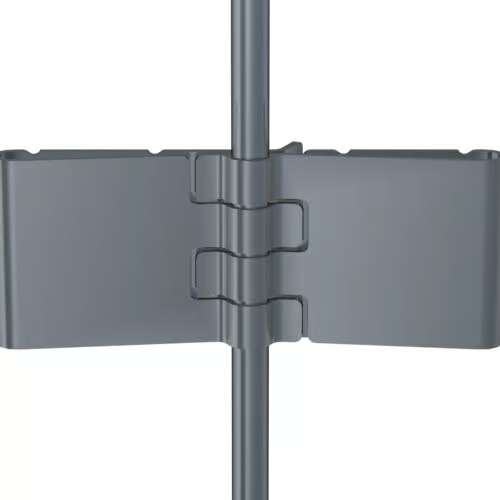
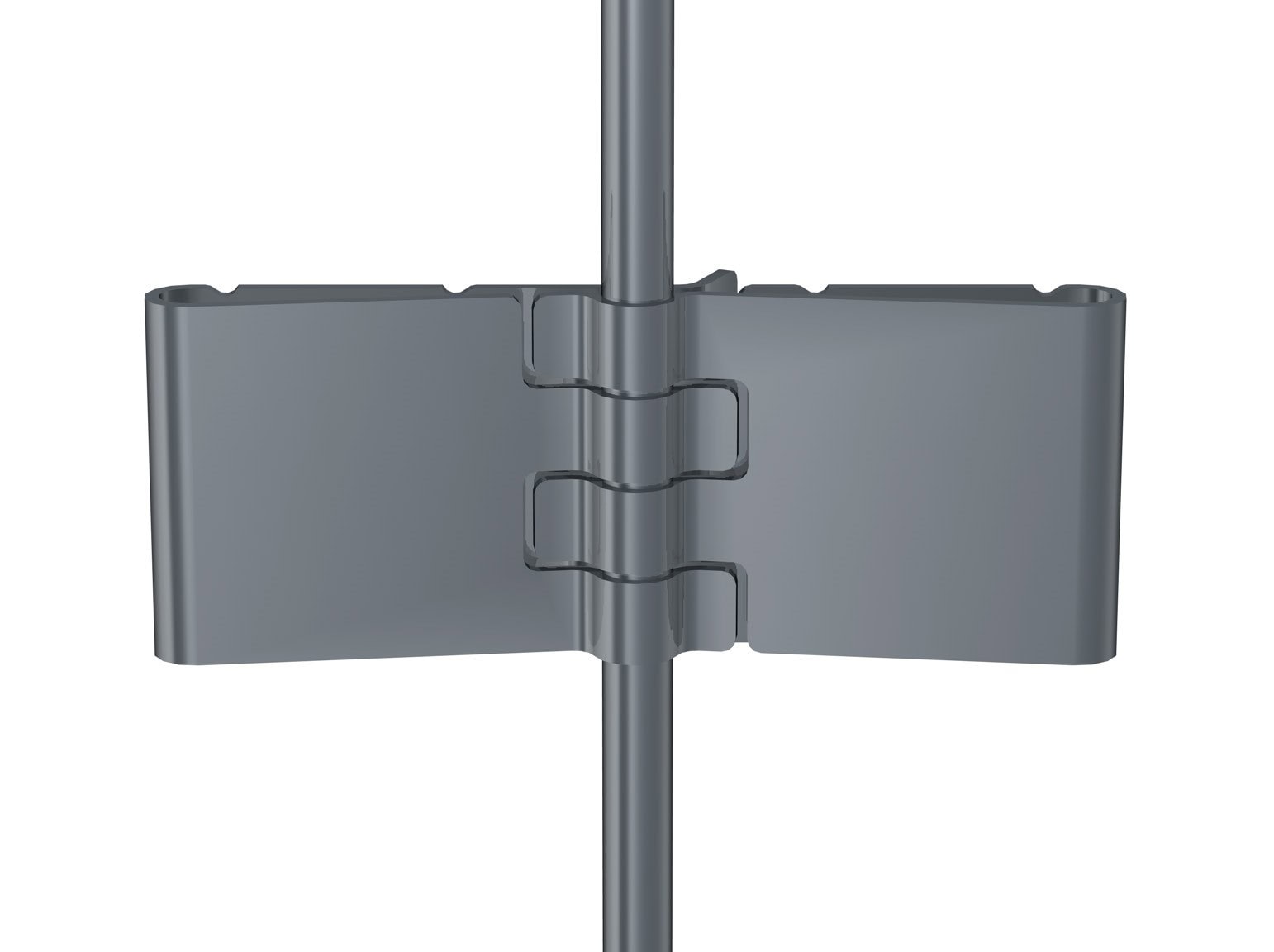
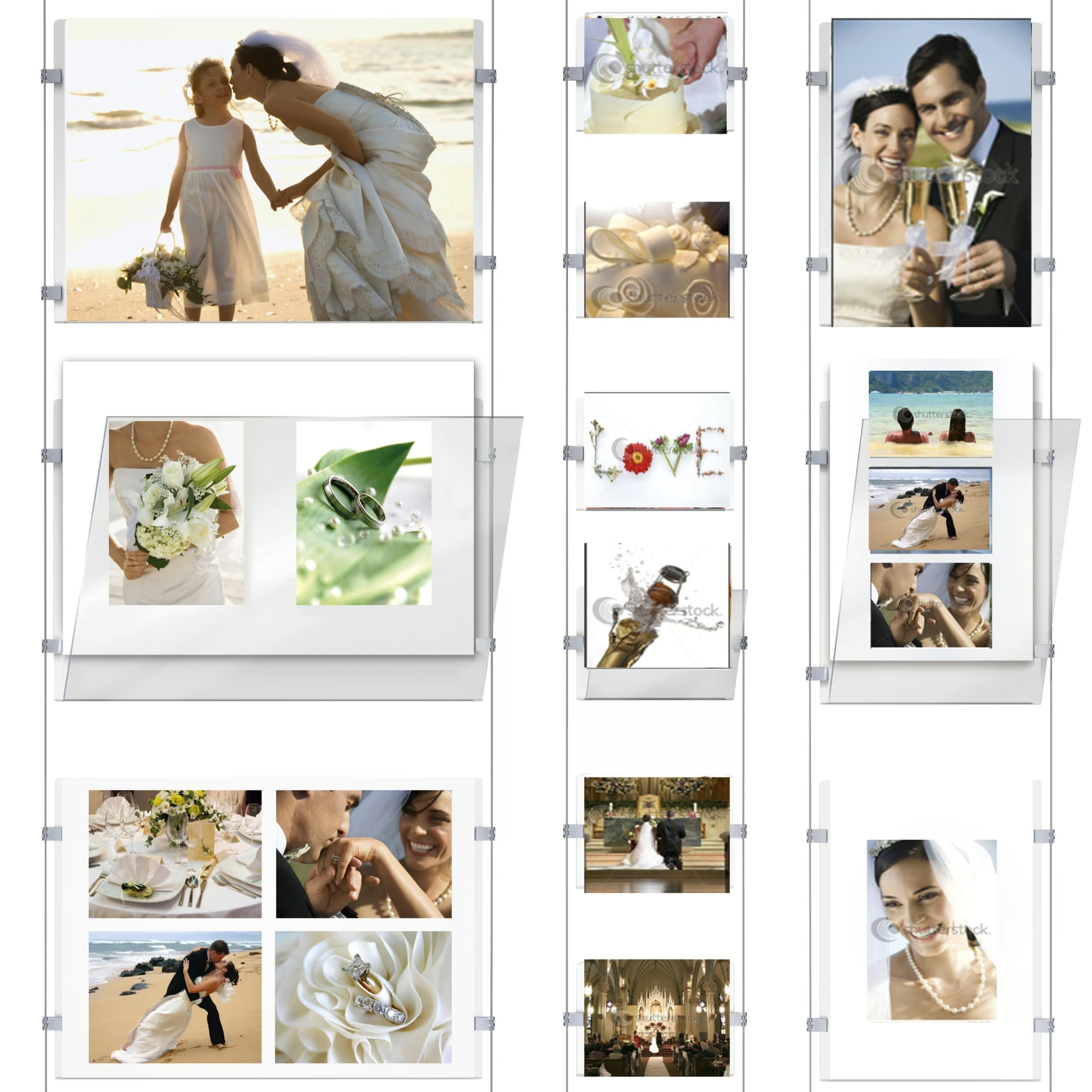
ArtiTeq Display It E-Clip (7805.005) is the little connector that makes Display It feel effortless: it lets you swap paper in seconds and link acrylic pockets together into neat horizontal or vertical grids. Available to buy from Hang Logic (Australia’s ArtiTeq importer).
Key points
- Fast content swaps: change photos, notices or documents in seconds (no tools, no drama).
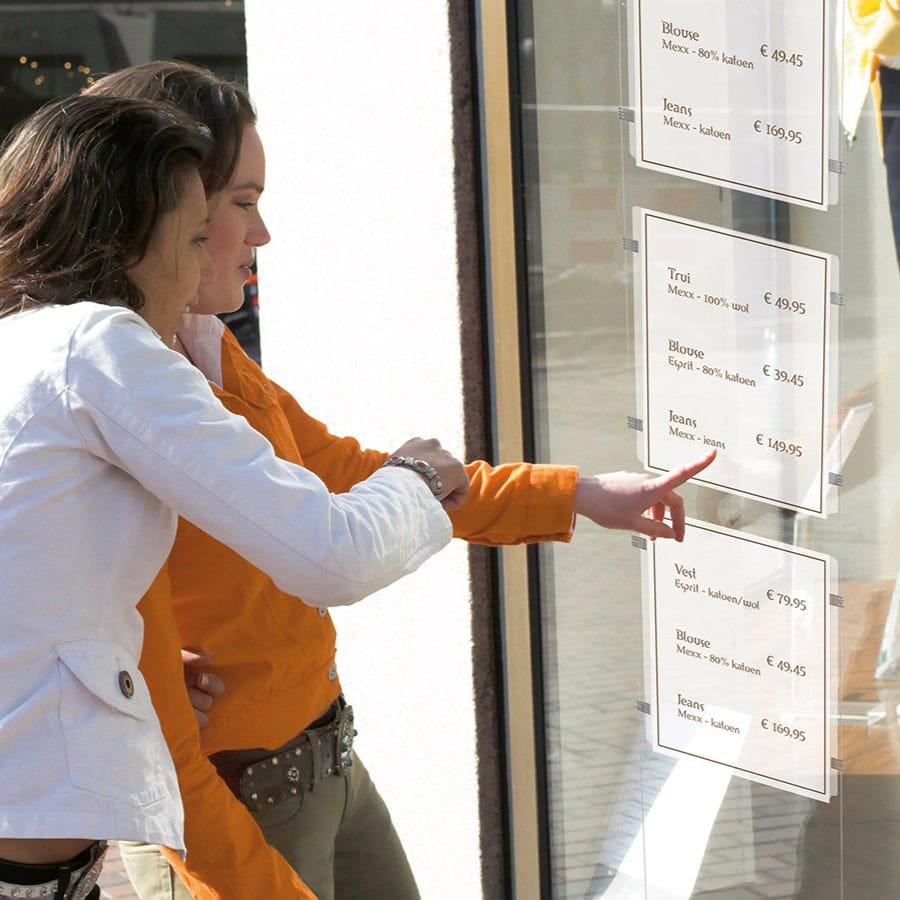
- Makes grids possible: connect acrylic pockets to each other so your layout can run horizontally or vertically.
- Designed for Display It: made to work with the Display It Flex and Display It Fixed systems.
- If you’re choosing between options: E-Clips are the lighter and cheaper option (still perfectly good), while clamps are the more upmarket, sturdier choice.
E-Clip “double” explained
There isn’t a separate “E-Clip Double” part. A “double” connection happens when two single E-Clips interlock (clip together) to join pockets into a grid.
How to use + connect pockets + layout tips
How the E-Clip is used (simple steps)
- Plan your layout first (how many pockets wide, how many down).
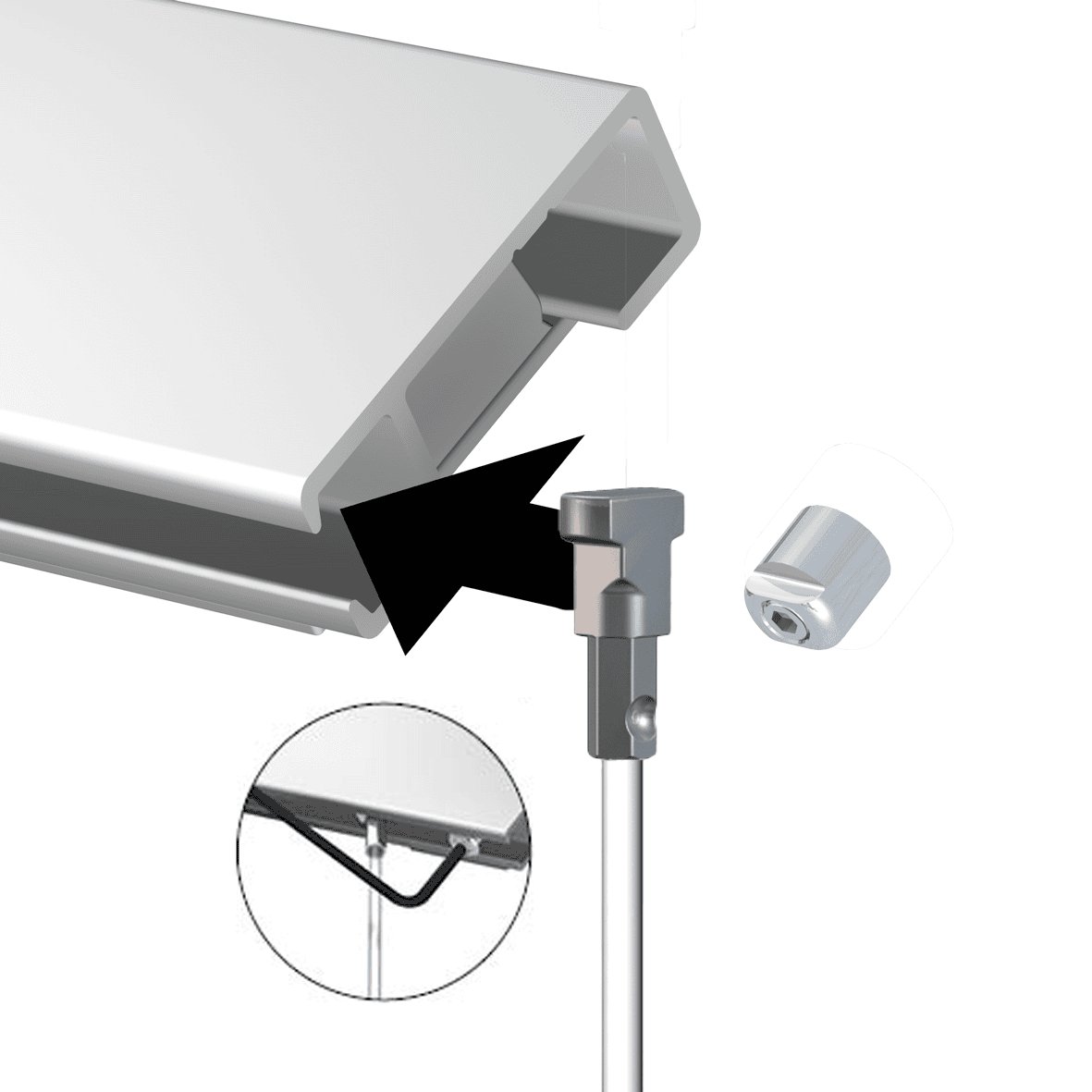
- Hang your Display It pockets as normal (Flex uses a rail + hanging wires, Fixed uses a fixed wire setup).
- Use the E-Clip to connect pockets where you want a clean, stable grid line.
- Fine-tune height and spacing until everything looks level and intentional.
How to swap content (what makes Display It addictive)
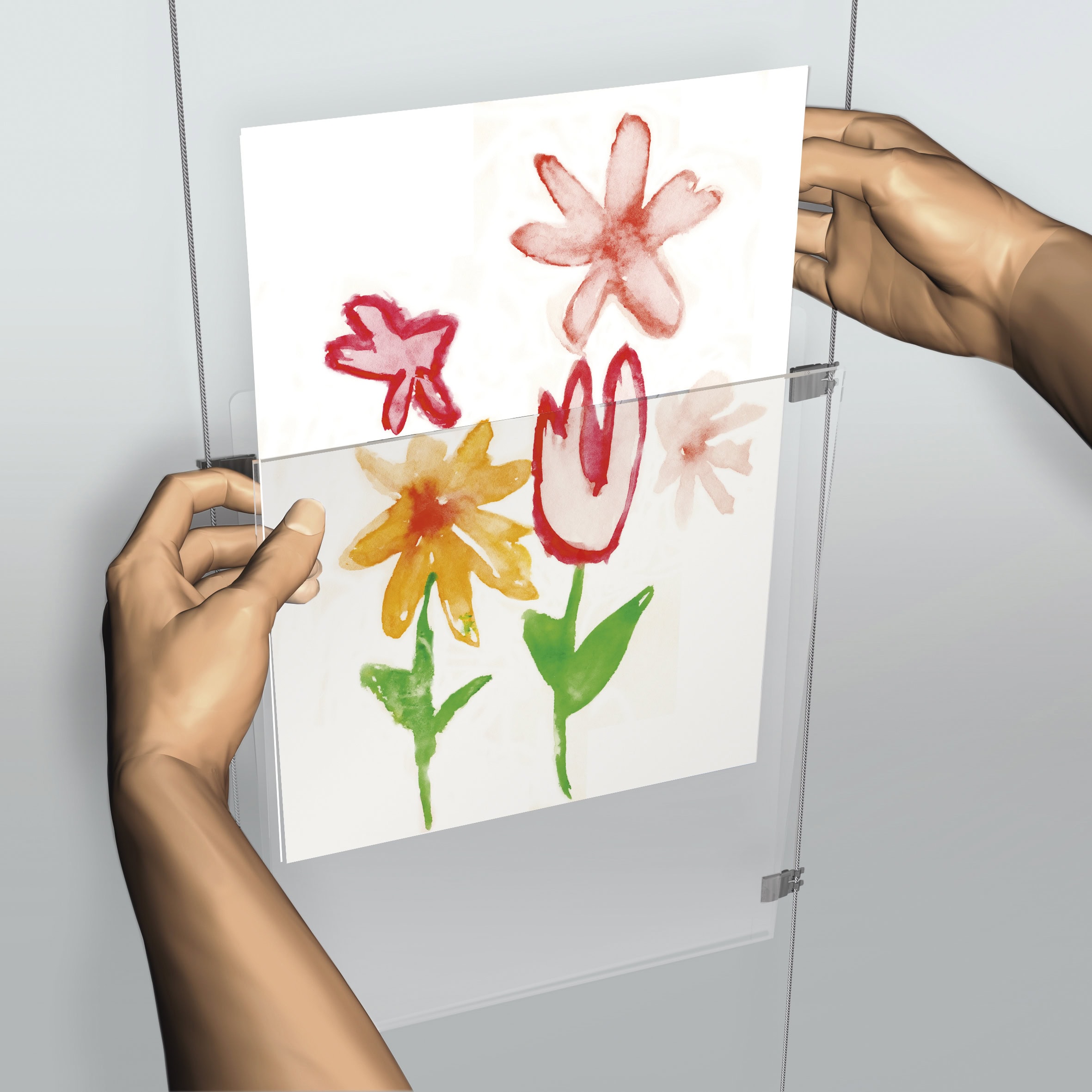
- Open the acrylic pocket like an envelope.
- Slide the paper/photo out, slide the new one in.
- Close it back up. Done.
Connecting pockets (single vs “double” connection)
- Single connection: one E-Clip used where you want a pocket connected/positioned.
- “Double” connection: use two single E-Clips that interlock (clip together) to join pockets neatly in a row or column.
Layout tips that stop it looking like a last-minute noticeboard
- Pick a grid: A4 for dense info, A3 for “hero” notices.
- Keep orientation consistent: portrait looks calm, landscape looks editorial. Mixing is fine, just do it on purpose.
- Start with the top row: get your header line straight first, then build down.
Download technical sheets + warranty (PDF)
Hang Logic Google Reviews
Preferred worldwide by builders, architects, and professionals.


some of Our CLIENTs

VIC - The Lume Melbourne

NSW - German International School

QLD - Brisbane Convention and Exhibition Centre

ACT- Adina Hotel Canberra

WA - WA Maritime Museum

SA - Adelaide Festival Centre
Show More Clients


















Related products

Clamp
Price range: $6.27 through $9.90Clamps artwork securely to wires
Select options
This product has multiple variants. The options may be chosen on the product page